 Microsoft Teams for Education
Bring your learning community together.
One place for video lessons, conversations, assignments, materials and notes. Make collaboration part of everyday learning.

A classroom that stays connected
Support your school’s teaching and communication in a shared digital space.
Meet and collaborate
Bring students and educators together through video and chat.
Organise classwork
Keep assignments, resources and class notes in one place.
Include every learner
Explore accessibility tools that address different learning needs.
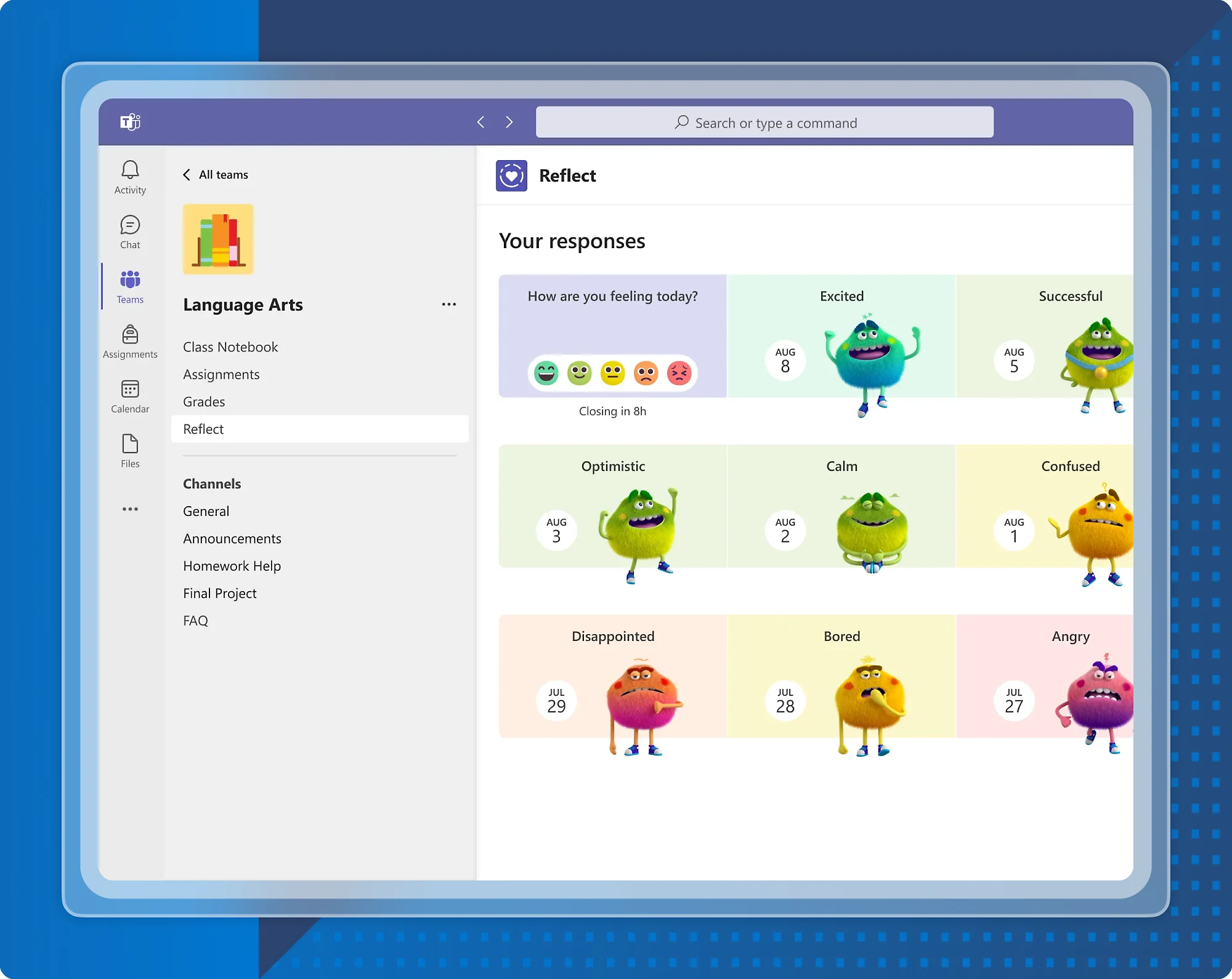
Make room for participation.
Use Whiteboard, polls and meeting features for collaborative lessons. Explore personalised and AI-assisted learning tools, plus Reflect for social-emotional learning.
Explore Microsoft’s education features ↗Your Teams journey, supported by EduTech
Start with your institution’s needs. We’ll help you plan the setup, staff training and support you need to use Teams confidently.
Plan your environment
Review existing Microsoft accounts, staff responsibilities and the structure of your classes before rollout.
Set up your teaching spaces
Discuss class and staff teams, channels, access settings and a consistent approach to learning materials.
Train educators and staff
Practical sessions around meetings, assignments, feedback and working together on shared resources.
Prepare learners
Build a clear onboarding process with sign-in guidance and simple routines for finding work and joining lessons.
Review AI opportunities
Identify teaching tasks where AI assistance may help, and review feature access and staff readiness.
Arrange ongoing support
Discuss troubleshooting, adoption reviews and a support arrangement that fits your academic calendar.
Resources for your next step
Explore Microsoft’s guidance alongside your institution’s rollout plan.
Before you get started
Who can access Teams for Education?
Eligible educators and students can access a free version with an active school email address. Your institution’s Microsoft setup and enabled services determine access. Check Microsoft’s eligibility guidance ↗
Can EduTech help our institution get started?
Yes. Share your learner numbers, current accounts and teaching needs with us. We can discuss planning, configuration, training and support.
Can you train teachers to run online lessons?
We can discuss practical training covering lesson preparation, meeting routines, participation, assignments and feedback, based on your staff’s needs.
Are AI features included for every user?
Availability depends on the feature, licence and administrator configuration. We can help you review your institution’s options before planning training.
Build a more connected learning environment.
Tell us how your institution teaches, collaborates and supports learners.
Talk to EduTech Sri Lanka ↗